


For landlords and short-term rental hosts
Your rental hours, ready for your CPA.
Log your rental hours by voice, typing or a timer, and see your count toward the 100, 500 and 750 hour marks. Free for one rental. Dormer Pro makes the PDF for your CPA.
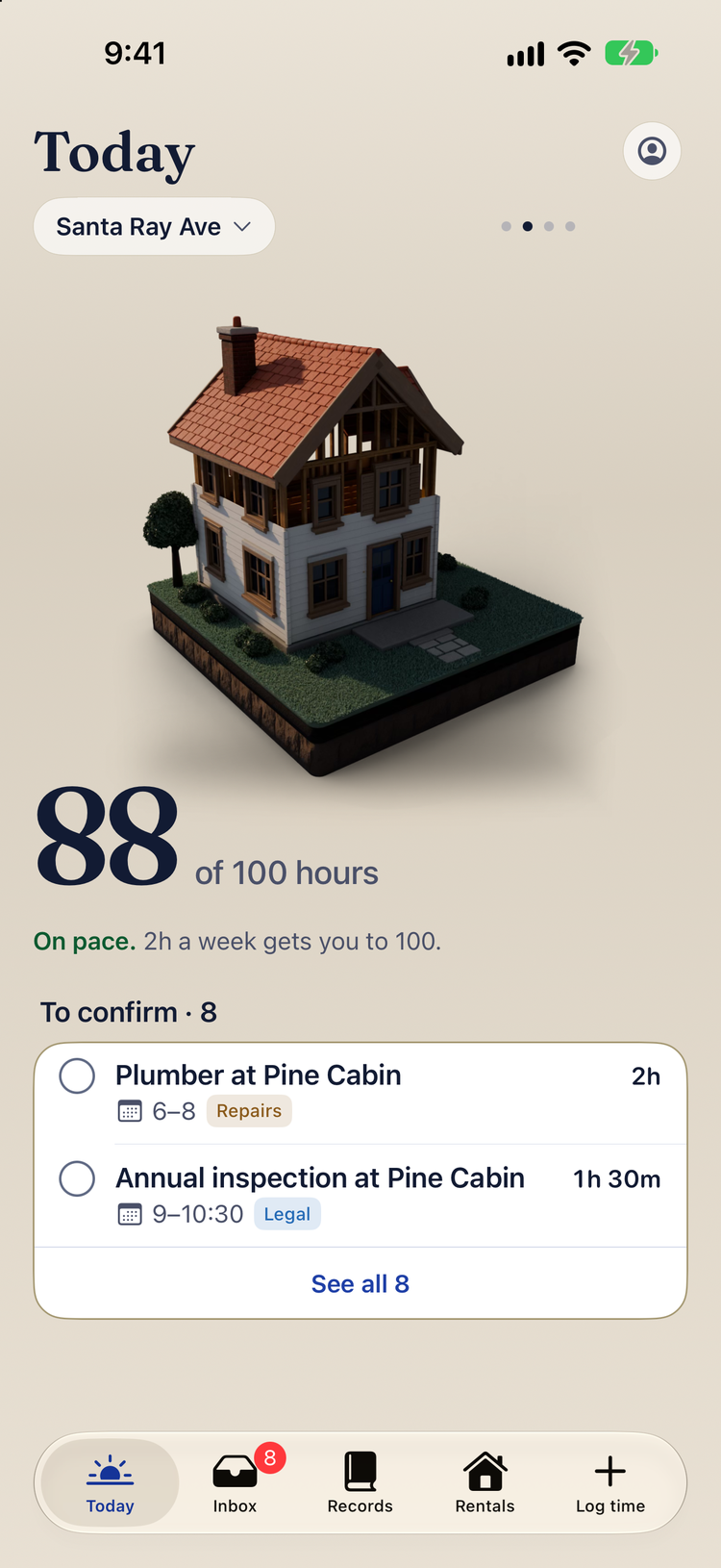
A house that builds as you log
Every hour you log adds to your house. Your count toward the 100, 500 and 750 hour marks sits right under it, with your pace to Dec 31.
Each rental keeps its own count, short-term and long-term. Your hours and your spouse’s hours stay separate.
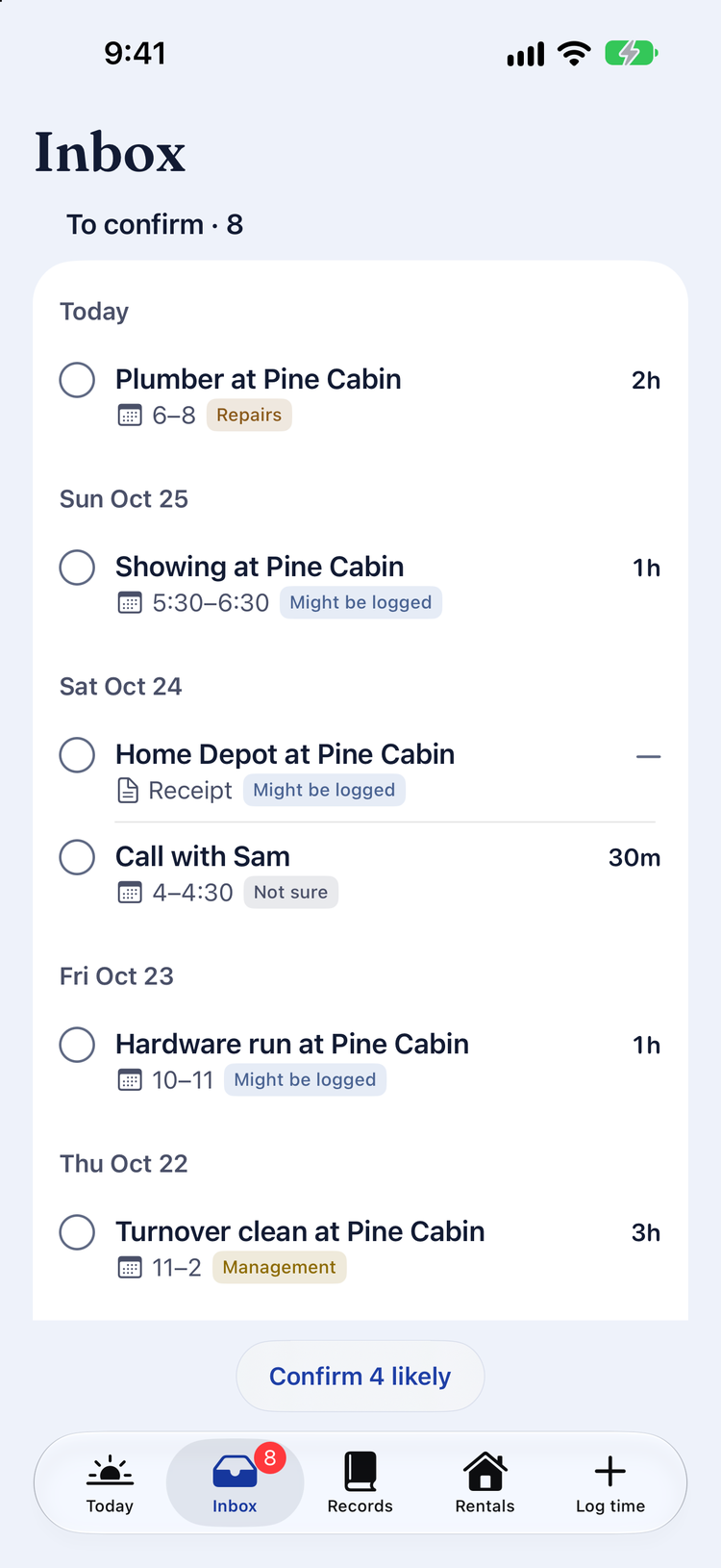
Rental work, found in your calendar
The Inbox looks through your calendar for plumber visits, showings and inspections. You confirm what was rental work. Nothing counts until you say so.
Calendar titles are read on your iPhone.
Say it, type it or run a timer
Say or type what you did, like “fixed the sink at Oak St, 2 hours yesterday”. Dormer fills in the property, kind of work, hours and date. You check it, then save.
With Dormer Pro, export the year as a PDF for your CPA. Every entry has a date, a property, a kind of work and who did it.
Records sync across your devices through your own iCloud. There is no sign-in and nothing to sign up for.
Formerly LandlordHours. Everything logged before carries over.
Free for one rental. Dormer Pro adds more rentals and PDF export.
Want it for your rentals?
Start a conversationDormer keeps records. It doesn’t give tax or legal advice, and it can’t tell you if you meet a tax test. Read the privacy policy.